Overview
What it does
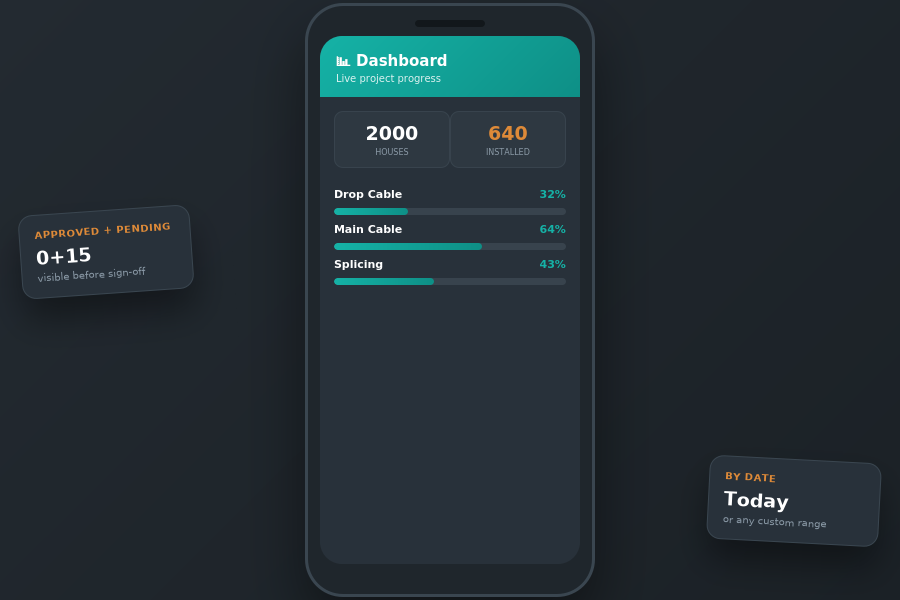
The Real-Time Dashboard shows live progress by scope — approved versus pending, installed versus tested — with an 'Installed by Date' view for any day or range, so status is never a guess.
Features
Key features
- Approved vs pending (in-review) totals
- Installed vs Tested house counts
- 'Installed by Date' for any date range
- Milestone tracking
Benefits
- Live progress without chasing updates
- Approved vs pending at a glance
- Answer 'how much today?' instantly
How it works
From input to outcome
Step 1
Approved field entries feed the dashboard continuously.
Step 2
Progress is shown per scope against total project scope.
Step 3
Filter by date to see installed and tested for any period.
Use case
A project manager opens the dashboard mid-morning and sees exactly how many houses were installed and tested today, against the total scope.